So, a few weeks ago now, the House’s IT department was audited to make sure that it’s up to scratch. But before the auditor stepped a foot in the building, for week and weeks before, we had been preparing and panicking. And in the end, it wasn’t that big a deal. So why had we been panicking so? Continue Reading
technology
All posts tagged technology
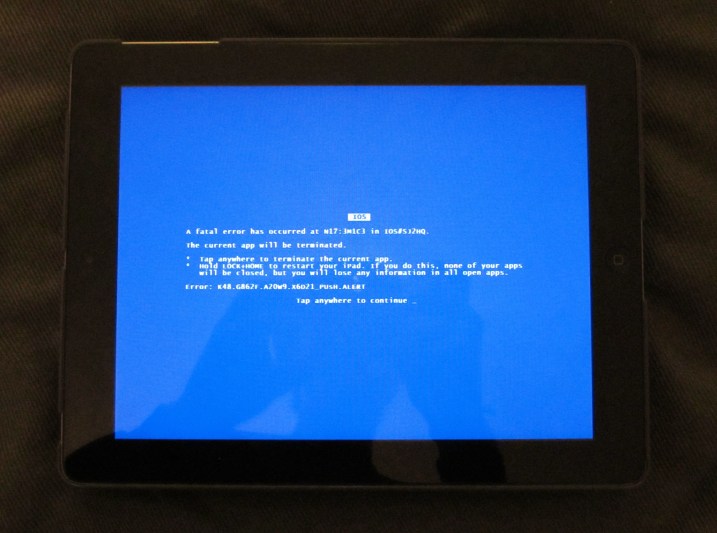
So, the title of this post isn’t exactly accurate, but it does tell some of the truth and I can see it’s drawn you in. I don’t have a fool-proof way of causing an iPad to crash. This is more of a list of problems that I’ve encountered with iPads over the last 4 or so months, including a few things that can cause them to crash.
When Mr Chief spoke at the meeting when the iPads were first given out, one of the things that he emphasised is that “you can’t break the iPad’s software.” He said this in the hope of encouraging those who are unsure about how to do things to have a go, and see if they can work it out for themselves rather than bug us about it or complain that it doesn’t work. Despite his good intentions, he’s not entirely accurate. iPads are like any other device; they’re not perfect.
So, a little while ago, I had a big networking problem with my computer. And then, the other day, my dad had the same thing happen. At first, I had no idea what the cause was, and how to fix it, and I couldn’t find anything on the net about it. So I’m going to solve that. Here’s the problem & here’s the solution. Continue Reading
So, if you’re a loyal reader of my blog, you probably realise by now that I’m actually running two blogs. Well, not technically two blogs, but the same blog mirrored in two places: one on Weebly and one on WordPress. Why? It comes down to the simple fact that when I started on this whole blog project, I wasn’t quite sure what the best way to go about it was. Eventually, after a while of playing with the idea of free or paid hosting , as well as various platforms, I decided that the two with the most potential, and that sounded the best were WordPress and Weebly. Now, after 24 weeks of posting to both, it’s time to give you the lowdown on the two of them. Continue Reading

Juniper EX Switch Stack By drkfiber on Flickr
⇈This is not mine. Click on the picture to go to the source.⇈
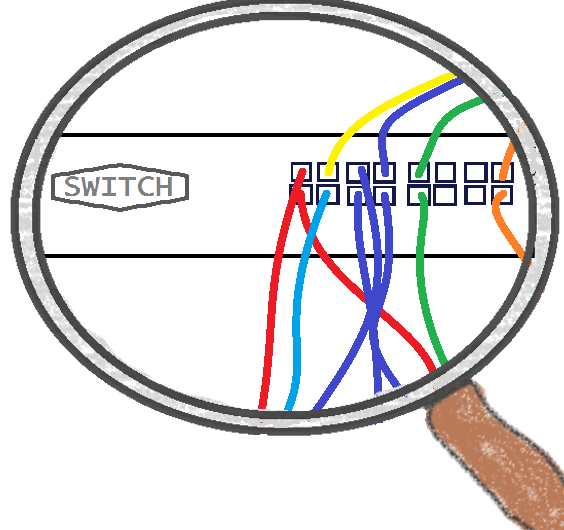
So, not so long ago, we were have big trouble with our network when one of the switches that serves the area where IT is located started playing up. Here’s a rundown of what was happening. Continue Reading
So, it’s been a while since I told you about what’s been going on at the House (my codename for my employer). There’s been lot’s happening, so I’ve written about as much as I could below. Continue Reading
So, I’ve always wanted a Wacom tablet. For years now, I’ve wished I had one. Ever since I heard about it, I’ve thought it would be cool to be able to draw straight into the computer. I see myself as a bit of an artist, and I’m definitely a tech-head, so a Wacom tablet is a meeting of passions for me.
It’s for this reason that recently I’ve been seriously considering different models. I’ve been trying to weigh up the different features and types to find which one would be best for me. Some of the specs are easy to envision and understand, but some aren’t as easy.
One thing that’s deceivingly hard to wrap your head around is the side of these tablets. The size that actually matters is the size of the active area, which is the part of the tablet where the pen, or touch if the tablet supports it, will actually work. If you’re like me and have been looking at getting one of these tablets, you’ll have spent much wasted time hunting around the room with a ruler, looking for a book or piece of paper that just happens to be the same size as these dimensions. That’s why I’ve made some templates for you to print out, so you can get a better feel for them.
Now, you’re probably thinking, “What’s special about that? I could’ve easily cut a piece of paper to size. It’s called a pair of scissors.” Ah, but the difference with my templates is that they comprise of a rough diagram of where all the stuff in an image editing program would be on screen, and you print the diagram at the same size as the active area.
Why is this important? Because the active area on one of these tablets is mapped to match your screen layout. What I mean is that if you tap in the top left corner of the active area, your mouse will go to the top left corner of the screen. The same is true for all the other corners, as well as any point onscreen. So, the upshot of this is that while the active area might be massive, if your working area onscreen is less than the whole screen, then you won’t get to use the whole active area as that working area. That’s why I’ve created the diagram to roughly show you how much screen and active area space the toolbar, taskbar, and all the different tool windows take up. Continue Reading
So, IT Support can be a tricky and complicated thing. But not always, and it doesn’t have to be. Before you try anything, you need to look to the golden rule of IT Support: Have You Tried Turning It Off And On Again? Or HYTTIOAOA?
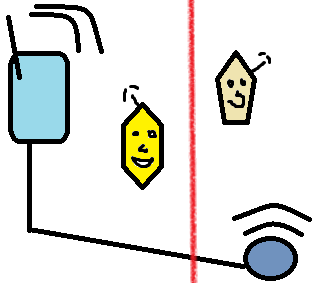
So, recently the House asked us, the IT guys, to set up a standalone wireless network in a new building. The catch was this building is solid brick all the way though, and is quite long and narrow. This meant that the wireless needed to be quite powerful, with a good range to work across the whole building so people could roam with their devices without losing their connection. Not so easy.
So, I’ve been working at the House (my codename for my employer) for a bit over a month now, and I’m finally getting into the routine of it all. Continue Reading